HomeHDR vs AutoHDR: AI HDR photo editing prices compared by monthly volume
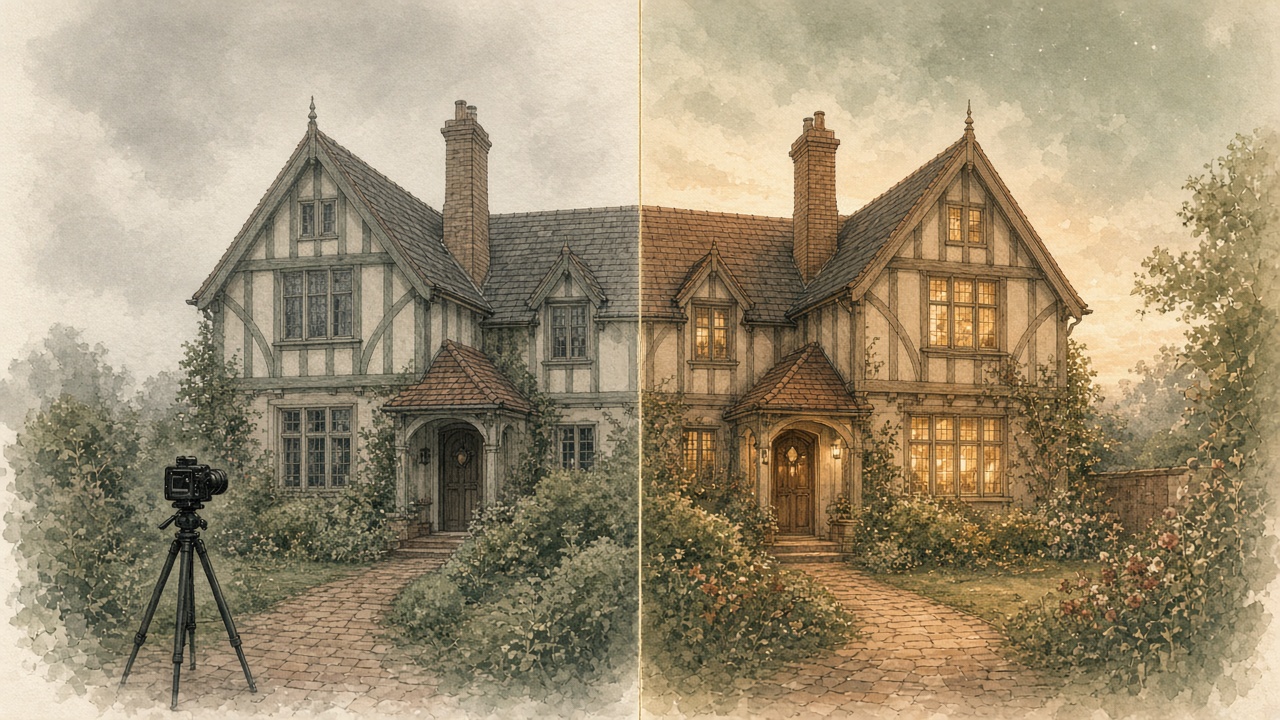
HomeHDR and AutoHDR both merge bracketed listing photos with AI and add skies, twilights, TV screens and fireplace fire. HomeHDR sells pay-as-you-go photos at $0.55 each and monthly plans from $25 for 50 photos; AutoHDR has a free 10-credit plan and a volume slider from $28.50 for 50 photos. This page puts their listed prices, features and limits side by side.
How to choose
HomeHDR and AutoHDR are AI editors built mainly for real estate photographers: you upload bracketed shots and get finished, listing-ready photos back in minutes. Agents who shoot their own brackets, or who pay a photographer by the photo, can use either. They differ most on how you pay: HomeHDR offers a no-subscription per-photo option and a one-time free trial, while AutoHDR has a small free monthly allowance and bills by monthly credit volume. The details below come from our tool records, which we check against each vendor's own pages. We have not tested either editor ourselves.
- Count your photos per monthBoth price by volume, so estimate how many finished photos you deliver in a typical and a slow month. A per-photo option avoids paying for unused volume; a plan lowers the price per photo once your volume is steady.
- Check what you have to shootHDR merging needs bracketed exposures. If you only shoot single phone photos, look at phone-first enhancers instead, and confirm what each editor accepts before you upload a whole shoot.
- Look at storage and rollover rulesCheck how long edited photos stay available to download and what happens to unused photos or credits if you cancel, so you don't lose work or prepaid volume.
- Review edits and disclose changesSky replacement, grass greening, removals and virtual staging change how a property looks. Compare every edit with the property, don't hide defects, and disclose edits as your MLS and local rules require.
Side by side
| Attribute |  HomeHDR |  AutoHDR |
|---|---|---|
| Category | Photo enhancement | Photo enhancement |
| Type | Web app | Service |
| Best for | Real estate photographers, and agents who shoot their own bracketed listing photos, who want low per-photo AI HDR editing without a subscription. | Photographers and agents who shoot HDR brackets and want fast turnaround. |
| Pricing | Free trial; from $0.55/photoAs listed by HomeHDR: Free trial of 15 edits, one time, full resolution with a watermark, no card. Pay as you go $0.55 per photo (20-photo minimum; photos never expire). Pro from $25/month for 50 photos billed monthly, or $22/month billed $264 a year; Pro scales to 1,000 photos at $420/month (or $370/month billed annually). Enterprise from $820/month for 2,000 photos, or $722/month billed $8,664 a year, up to 5,000 photos; above that by quote. Unused plan photos roll over while subscribed. 60-day money-back guarantee. | Free tier; plans by volumeAs listed by AutoHDR, priced by a monthly credit slider (you pay for photos you download): Free $0 with 10 credits/month (extra credits $0.80 each). Paid volumes on the public slider include 50 credits for $28.50/month ($0.57 each), 250 for $137.50, Standard 500 for $265/month ($0.53), Pro 1,000 for $500/month ($0.50), and Enterprise volumes of 2,000 for $960/month ($0.48), 3,500 for $1,645/month ($0.47), 5,000 for $2,250/month ($0.45), 7,500 for $3,225/month ($0.43) and 10,000 for $4,000/month ($0.40). Yearly billing is up to 15% off (for example Standard 500 is $225.25/month, Enterprise 5,000 is $2,025/month). Unused credits roll over on paid plans. |
| What the vendor highlights |
|
|
| Worth checking |
|
|
| Source status | Source checked 2026-11-18 | Source checked 2026-11-21 |
| Official site | Visit site | Visit site |
Summarized from vendor-published information. We have not independently tested performance. Confirm current pricing with each vendor.
Listed prices side by side
- HomeHDR: Free trial of 15 edits, one time, full resolution with a HomeHDR watermark, no card. Pay as you go $0.55 per photo with a 20-photo minimum; those photos never expire. Pro starts at $25/month for 50 photos ($0.50 each) or $22/month billed $264 a year, and scales to 1,000 photos at $420/month ($370/month billed yearly). Enterprise runs from $820/month for 2,000 photos ($722/month billed $8,664 a year) up to 5,000 photos; above that by quote. Unused plan photos roll over while you stay subscribed. 60-day money-back guarantee. HomeHDR pricing
- AutoHDR: Free $0 with 10 credits a month; extra credits on the free plan are $0.80 each. Paid monthly volumes include 50 credits for $28.50 ($0.57 each), 250 for $137.50, Standard 500 for $265 ($0.53), Pro 1,000 for $500 ($0.50), and Enterprise from 2,000 for $960 ($0.48) up to 10,000 for $4,000 ($0.40). Yearly billing is up to 15% off. Unused credits roll over on paid plans, and AutoHDR says you only pay for photos you download. AutoHDR pricing
Prices as listed on each vendor's pages on 2026-11-18, in USD. Ignore first-month promotions when you compare. Confirm the current price before you buy.
What a month of photos costs
Simple arithmetic from the listed monthly (not yearly) prices:
- 50 photos a month (two 25-photo listings): HomeHDR Pro $25, or $27.50 pay as you go (50 × $0.55). AutoHDR $28.50 for 50 credits; its free 10 credits cover a small test, not a full listing.
- 500 photos a month: HomeHDR Pro at 500 photos $219. AutoHDR Standard $265.
- 2,000 photos a month: HomeHDR Enterprise $820. AutoHDR Enterprise $960.
On yearly billing the figures drop: HomeHDR $22, $193 and $722; AutoHDR Standard about $225.25 for 500 and Enterprise $864 for 2,000. These are illustrations from listed prices, not quotes, and they don't account for re-edits, extra credits or add-ons.
How each one works
- HomeHDR: Drag in a whole shoot as RAW brackets (3 to 8 per shot) or finished frames, and HomeHDR groups each bracket set itself. Pick edits for the batch, such as window pull, sky replacement, perspective correction, grass or twilight, then fine-tune single photos. It also blacks out or replaces TV screens, adds fire to fireplaces, removes reflections, cords and clutter, and blurs sensitive details. Photos come back at full resolution in under 5 minutes, re-renders are free, and files are deleted after 20 days.
- AutoHDR: After upload it can automatically apply HDR editing (with a choice of editing models), sky replacement, twilight skies in three styles, TV screen replacement, fireplace fire, grass greening, decluttering, removal of photographers, cameras, shadows and yard signs, and de-duplication of near-identical photos. Post-processing tools include one-click AI re-edit in a new style, day-to-dusk, grass replacement and virtual staging of empty rooms.
Free trials and commitment
HomeHDR's 15 free edits are a one-time trial with a watermark that disappears once you upgrade; monthly plans cancel at any time and paid plans have a 60-day refund. AutoHDR's free plan renews with 10 credits each month, which suits occasional testing. Both carry unused volume forward on paid plans, but HomeHDR says carried photos end when you cancel, so use them first.
Virtual staging and disclosure
AutoHDR lists virtual staging among its post-processing tools; HomeHDR's pages focus on HDR and photo edits and don't list staging. With either editor, keep the originals, check every edit against the property, and label virtually staged photos and replaced skies as your MLS requires. Read how to disclose AI and virtually staged photos in listings.
Related comparisons
- AgentUp vs AutoHDR compares AutoHDR with a pay-per-photo editor built for agents.
- AutoHDR vs Imagen AI compares AutoHDR with an editor that learns your style.
- Lumo vs AgentUp covers phone-first enhancement for agents who don't shoot brackets.
- See every tool in photo enhancement.